Linguoteka weaves words from the language you’re learning into familiar-language stories.
Tap for the meaning, keep reading, and review your vocabulary with quick tests.
Free to download on iOS and Android. Optional Pro subscription.
EPUB & TXT imports · Five learning languages
App Store won’t open?
If you’re browsing inside Threads or another app, use its browser menu to open this page in Safari or your default browser, then tap the App Store badge again. You can also search for “Linguoteka” directly in the App Store.
Try it hereEnglish → Spanish
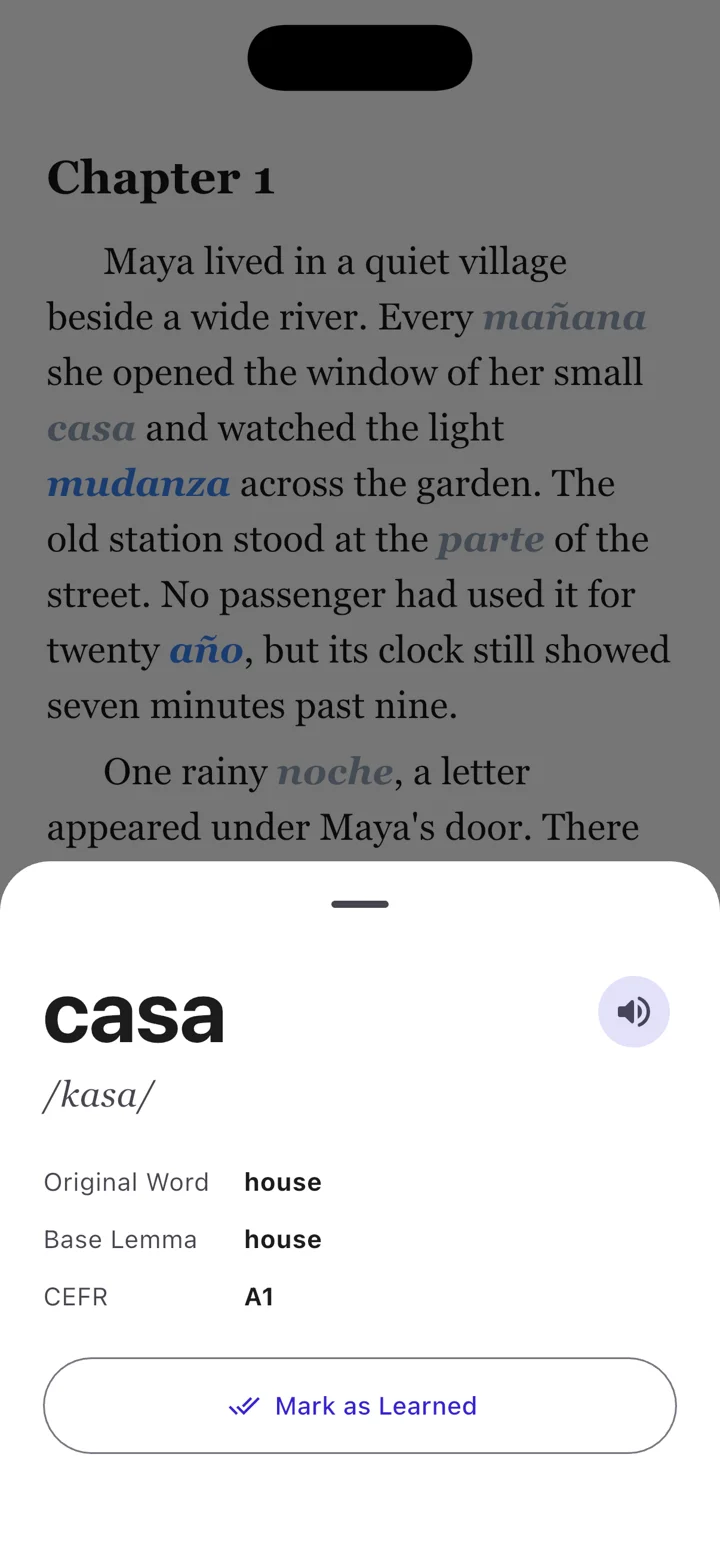
Maya lived in a quiet village beside a wide river. Every
she opened the window of her small
and watched the light change across the garden.
Tap an underlined wordSee its meaning in context
Read stories you choose
Tap a highlighted word
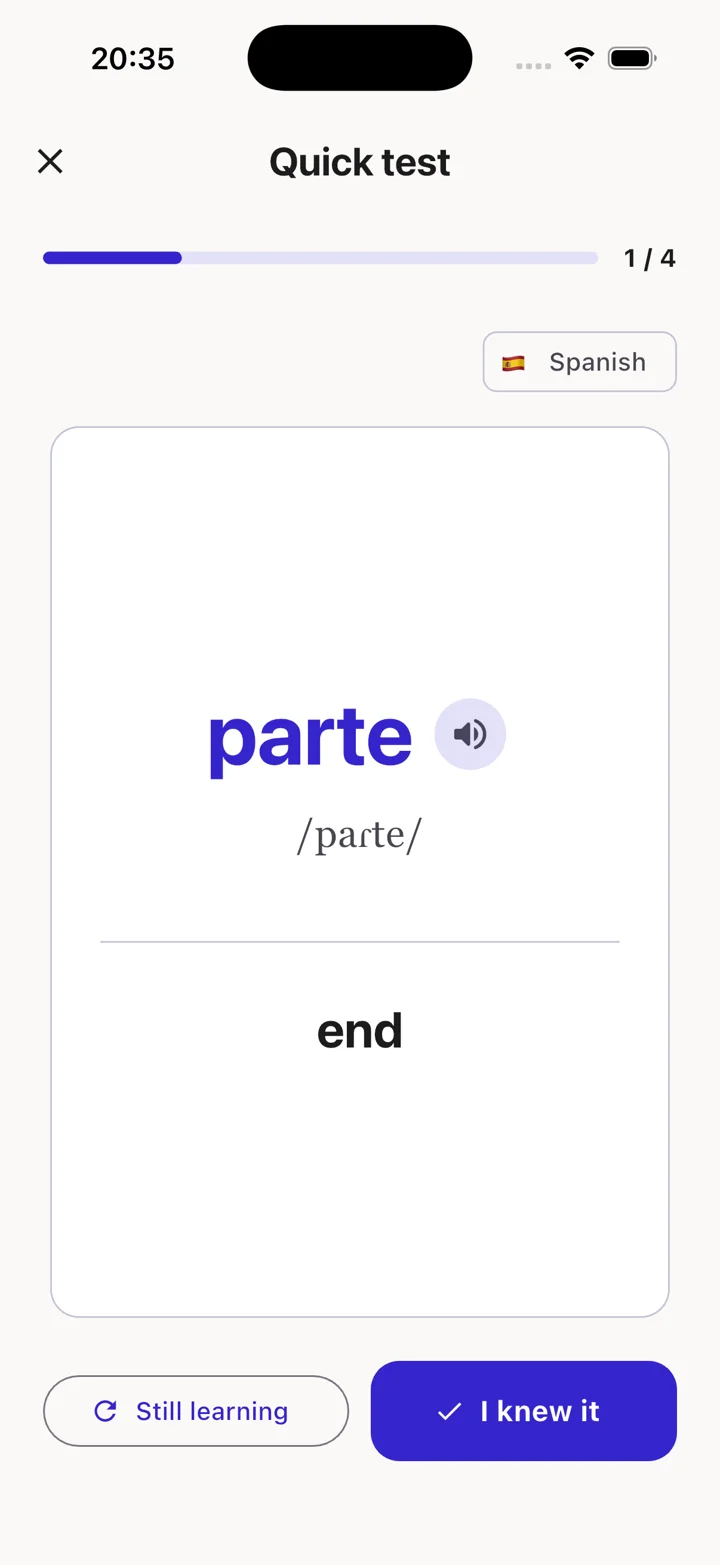
Remember with quick tests
Five languages, one reading flow
Read and translate across five languages.
Choose your book’s language and a different learning language from English, Spanish, Italian, French, and German. For example, read an English story with Spanish vocabulary woven in.
ENEnglish
ESSpanish
ITItalian
FRFrench
DEGerman
Designed for curious readers
Learning that stays inside the story.
Read a story you enjoy, explore unfamiliar vocabulary, and return to the words you want to remember.
01
Aa
Contextual learning
See new words woven into the text. Tap once to reveal the original word,
pronunciation, and learning level.
She opened the puerta./ˈpweɾta/puerta→door
02
🔥
Smart vocabulary
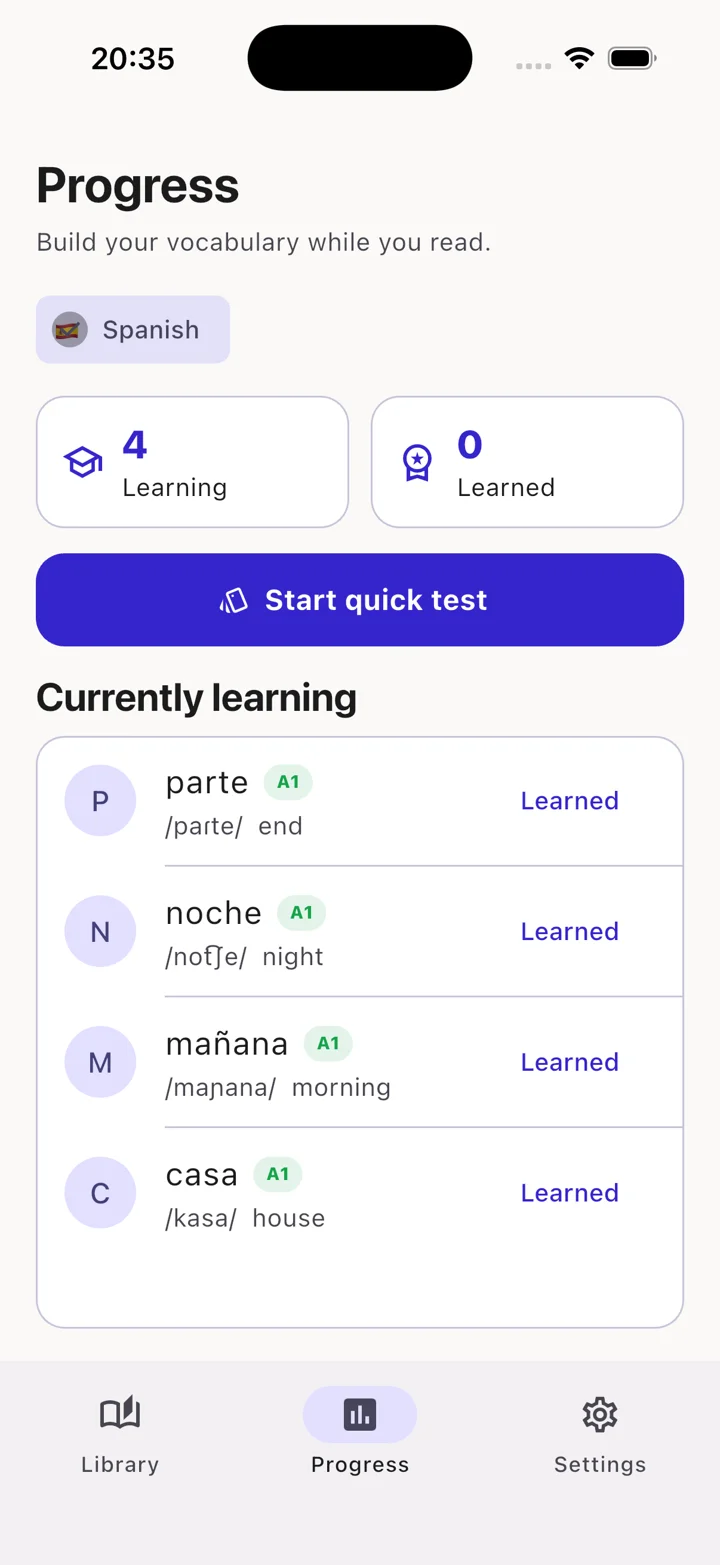
Your vocabulary list builds itself as you read. A focused Quick Test helps
move words from learning to learned.
Example progress
Learning24
Learned86
03
7
Daily streaks
Build a reading rhythm that lasts. Set a daily goal, protect your streak,
and watch small chapters become real progress.
M🔥T🔥W🔥T🔥F🔥S🔥S7
Inside Linguoteka
A calm place to make progress.
Every screen keeps the focus on reading: clear type, thoughtful spacing,
and just enough feedback to help you move forward.
01 · Read
Tap a word. Stay immersed.
Definitions appear without taking you away from the page.
02 · Review
See what you know.
Your learning and learned words stay organized automatically.
03 · Remember
Test yourself in a minute.
Quick Test reinforces vocabulary with one simple decision at a time.
The diglot weave method
Learn new words without leaving the story.
Diglot weave gently replaces selected words in a familiar-language text with
words from the language you are learning. Context helps you infer each meaning,
while a tap reveals the translation whenever you need it.
✓ Target-language words are woven into meaningful context
✓ The amount of new vocabulary adjusts to your level
✓ Tap for meaning, pronunciation, and CEFR information
You can start with a sample story or import your own EPUB or TXT file. Use a book you have the right to read. See the import guide.
Can I import PDF or Kindle books?
The supported import formats are EPUB and TXT. PDF and Kindle formats are not supported. DRM-protected files cannot be used; choose an unprotected EPUB or plain-text file.
Which languages can I combine?
English, Spanish, French, German, and Italian are available as book and learning languages. Select two different languages, and make sure the book matches your selected reading language. Unsupported or mismatched book languages may open without word replacement.
Is this suitable for beginners?
You can choose your learning level and the amount of replacement vocabulary. Begin with familiar-language reading and a small amount of new vocabulary. This is a way to practise vocabulary alongside your other language learning.
Can I read offline?
Imported books and vocabulary analysis are processed on your device. Download any book files and required system voices first. Store purchases, subscription services, and advertising may need an internet connection.
What is the difference between Free and Pro?
The free app includes ads and allows up to five books in your library at once. Pro removes ads and the five-book limit. Current subscription prices and terms are shown in the app.